When your driveway gate stops working it can be more than an inconvenience. This guide walks homeowners through clear, safe troubleshooting steps you can try at home, explains common causes, and outlines when it is time to call a professional for electric gate repair in Glendale. Read this to learn what you can reasonably fix yourself, what to avoid touching, and how to describe the problem when you contact a technician.
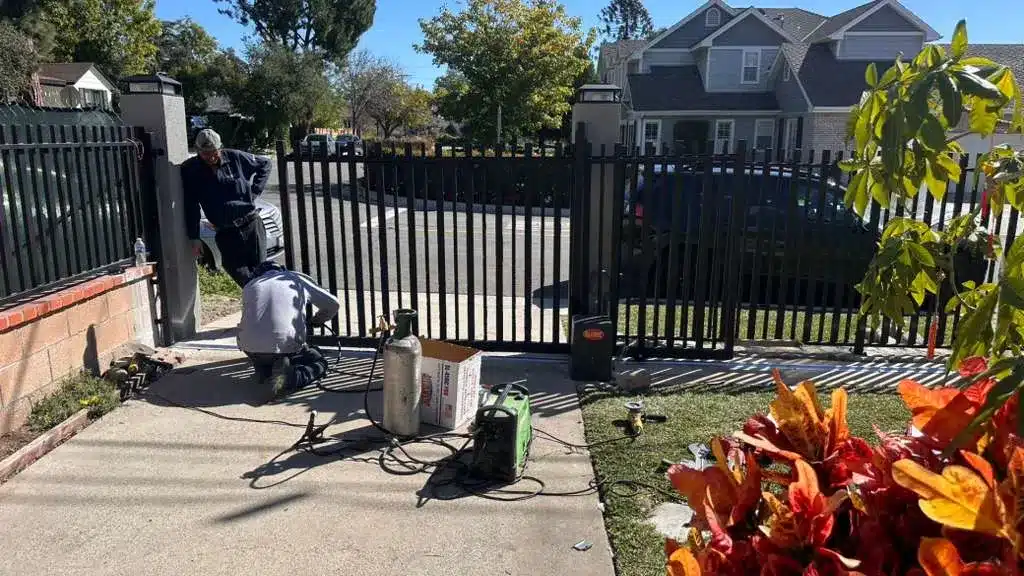
Quick checks to try before calling for electric gate repair in Glendale
Many gate failures start with something simple. Before you open the control box, take five to ten minutes to run a basic checklist. Confirm the gate has power, replace remote batteries, and scan the gate opening for debris. These quick checks will often show whether the problem is a minor fix you can handle or an electrical or mechanical issue that needs a technician.
What to gather before you start
-
Screwdriver set and adjustable wrench
-
Flashlight or headlamp
-
Fresh batteries for remotes and keypads
-
Camera or phone to take photos of any visible damage
-
Gloves and safety glasses
Safety first: Precautions to follow
Electric gates have moving parts and live circuits. Always isolate electrical power before touching wiring or internal components. If the gate has a manual release, read the operator manual before using it. If you are unsure how to safely disconnect power, stop and call a licensed technician. Never work on a wet control box or exposed mains wiring, and avoid standing on uneven ground while testing moving parts.
Common causes that require electric gate repair
Understanding the usual failure points helps you identify the likely problem. Here are the recurring causes homeowners and technicians see most often.
Power supply and circuit problems
A tripped breaker, blown fuse, or loose connection will stop a gate from operating. If the controller is on a dedicated circuit check the breaker panel first. Also inspect visible conduit and power leads for signs of rodent damage or corrosion.
Remote, keypad, and transmitter faults
A dead battery or a worn transmitter will prevent wireless control. Try fresh batteries and test a spare remote if you have one. If the system responds to the keypad but not to remotes you may have a transmitter or antenna issue.
Blocked sensors and safety devices
Photoelectric sensors stop gates if their beam is interrupted. Dirt, moisture, or misalignment will cause the gate to pause or reverse. Cleaning lenses and realigning photocells resolves many sensor related problems.
Motor or gearbox wear
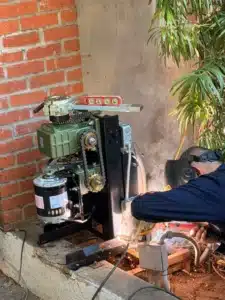
When a gate moves slowly, stalls, or makes grinding sounds the motor or gearbox could be failing. Overheating or oil leaks are signs that the unit needs professional inspection and likely repair.
Track, roller, hinge, and structural problems
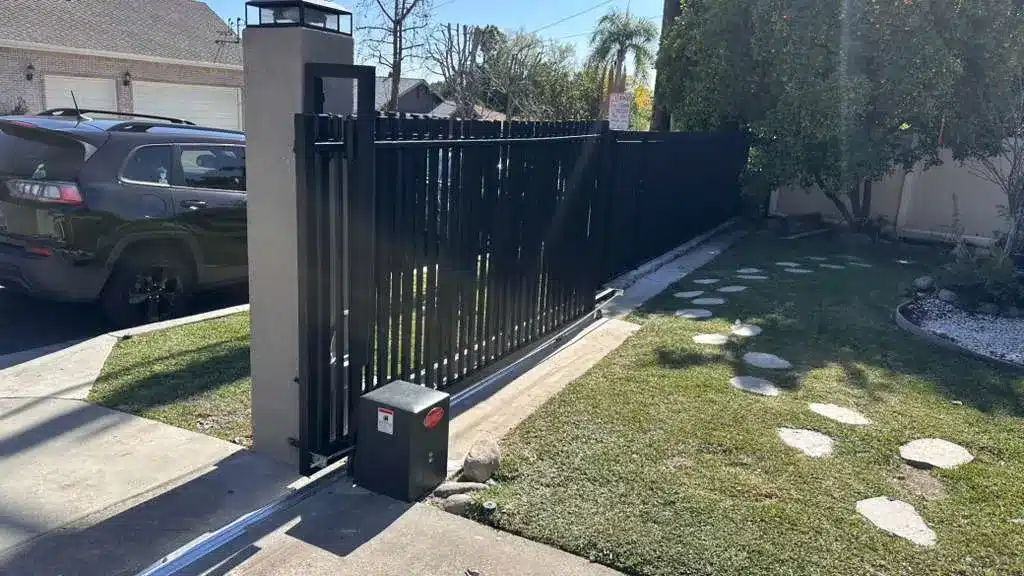
Sliding gates can be blocked by debris or bent tracks. Swing gates with loose hinges or sagging posts will bind and strain the opener. Regular inspection and timely repairs keep mechanical wear from escalating.
Control board and wiring faults
Control boards fail when exposed to moisture or power surges. Corroded terminals and chewed wiring will cause intermittent faults. Diagnosing electronic failures usually requires a technician with proper test equipment.
Step by step homeowner troubleshooting checklist
Follow this ordered checklist. Stop and call a professional if any step involves exposed wiring or unpredictable gate movement.
1. Basic visual and power checks
-
Walk the full gate approach and clear any branches, toys, or debris.
-
Check the house breaker panel and any separate gate breakers. Reset a tripped breaker.
-
Look for power indicators on the controller box, such as LEDs. No lights usually mean no power.
-
Confirm any visible disconnects are in the ON position.
2. Remote and keypad checks
-
Replace batteries in remotes and keypads and test operation.
-
Try any spare remotes you have.
-
Inspect the controller antenna for looseness or damage.
3. Sensors and photocell checks
-
Wipe sensor lenses with a soft, clean cloth.
-
Check alignment so the transmitter and receiver face each other squarely.
-
Temporarily block the beam to confirm the system reacts, then restore it and note behavior.
4. Manual movement and mechanical checks
-
With power isolated and the gate secured, use the manual release to move the gate by hand. This shows whether the gate is binding mechanically.
-
Inspect rollers, hinges, and track for wear and dents.
-
Lubricate moving metal parts with a product recommended by the gate manufacturer. Do not over lubricate, since excess grease attracts dirt.
5. Motor, gearbox and noise checks
-
With power on and no obstructions, run the gate and listen carefully.
-
Grinding, high pitch squeal, or a burning smell suggest motor or gearbox failure. Stop and contact a technician if you detect those signs.
6. Control board and wiring visual inspection
-
Open the controller only after power is isolated. Look for water intrusion, corrosion, or burned components.
-
If you are comfortable and the fuses are user accessible, replace a blown fuse with the same rating.
-
Any wiring tests beyond a visual inspection should be done by a pro for safety.
When a DIY fix is appropriate and when to call a professional
You can handle these homeowner tasks:
-
Replace remote or keypad batteries
-
Clean and align sensors
-
Clear debris from tracks or gate paths
-
Lubricate hinges, rollers, and exposed bearings following manufacturer guidance
Call a professional for these situations:
-
Exposed or damaged electrical wiring or persistent power loss
-
Motor, gearbox, or control board replacement
-
Structural realignment of heavy gates or bent tracks
-
Safety issues where the gate moves unpredictably or will not stop
If the gate presents a safety risk, such as dropping, uncontrolled motion, or failure to stop on command, disconnect power and do not use the gate until a technician has inspected it.
Troubleshooting custom electric gates or systems installed by a local gate company
Custom electric gate systems may use proprietary controllers and nonstandard parts. Check any installation paperwork for model numbers and reset steps. For custom installations, contacting the original installer or a local gate company familiar with the system will save time and reduce the risk of voiding warranties.
Preventive maintenance to reduce future repair needs
Regular maintenance extends the life of a gate and reduces emergency calls. Consider this seasonal checklist:
-
Clean sensor lenses every three months.
-
Visually inspect wiring and conduit annually.
-
Lubricate hinges and bearings twice yearly.
-
Schedule a technician inspection once a year to test limit switches, motor performance, and control board health.
Keep records of maintenance and any repairs. Photographs and serial numbers of the operator and remotes help a technician identify parts quickly.
A simple diagnostic flow you can follow now
-
Is there power to the controller? If no, check breakers and disconnects.
-
Does the gate move manually when released? If yes, suspect an electrical or control issue.
-
Does the gate try to move but stall or make noise? If yes, suspect motor or gearbox problems.
-
Does the gate move but reverse or stop mid cycle? If yes, check sensors and safety devices.
This flow helps you triage the fault before you schedule a service call.
Estimating repair scope and communicating with a technician
When you call for a quote, be ready to describe:
-
Symptoms, including noises, smells, and which controls do or do not work
-
Whether the gate moves manually when released
-
Any recent weather events or power surges
-
Model numbers or photos of the operator and control board if available
Ask for an itemized estimate that separates diagnostic fees, parts, and labor. For significant repairs get more than one opinion if time allows. If your gate is under warranty check terms before approving repairs.
Final homeowner tips
-
Keep the gate approach free of vegetation and debris to avoid sensor problems.
-
Inspect the gate after storms, since moisture can accelerate corrosion.
-
Store remote serial numbers and installer contact details in a safe place.
-
If you schedule service, provide photos and a clear description of the fault to speed up diagnosis.
Trusted Local Support for Electric Gate Repair in Glendale
Importantly, Royal Garage Door & Gate Services INC maintains a strong and consistent local presence across trusted online business directories to ensure accurate and reliable information for customers. The company is verified on respected platforms such as Yellow Pages and MapQuest, along with other established local listing networks.
As a result, these trusted platforms reinforce credibility, confirm business details, and support customers searching for dependable electric gate repair in Glendale.
Royal Garage Door & Gate Services INC
Address: 6832 Amigo Ave, Reseda, CA 91335
Phone: 323-744-3883
Email: [email protected]
Service Hours:
Monday: Open 24 hours
Tuesday: Open 24 hours
Wednesday: Open 24 hours
Thursday: Open 24 hours
Friday: 12:00 AM to 2:30 PM
Saturday: Closed
Sunday: Open 24 hours
Contact Royal Garage Door & Gate Services INC to schedule an inspection or electric gate repair and to learn more about professional maintenance for your gate.