Quick Answer
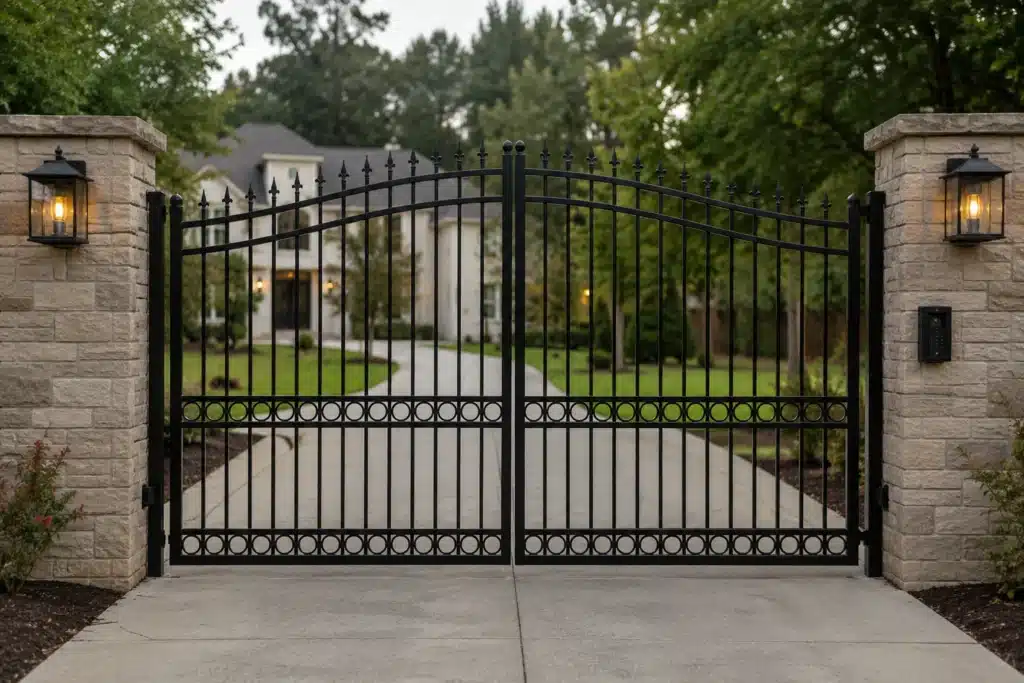
An automatic gate that will not open can fail because of power loss, access-control problems, a weak battery, a motor/operator fault, a limit or position error, a mechanical gate problem, or a monitored safety condition. The safest diagnosis starts by separating those systems instead of forcing the gate or increasing operator settings.
If the gate is crooked, dragging, off track, or structurally damaged, stop. A powered operator should not be used to overcome a mechanical failure.
Confirm the Gate Has a Valid Open Command
Test more than one authorized control if available. If the keypad fails but a remote works, the gate operator may be healthy and the fault may sit in access control. If no command works, the problem may be power, receiver, controller or operator related.
Record which inputs fail before resetting equipment.
Check Utility Power and Backup
A tripped breaker, disconnected transformer, failed charger or depleted battery can all produce a dead or weak gate. Some systems continue on battery while others stop entirely.
Use the exact operator diagnostics rather than assuming a battery is good because it has voltage with no load.
Listen to What the Operator Does
A relay click with no motor movement points in a different direction from a motor that hums, a motor that runs while the gate stays still, or a completely silent controller.
Those sounds help separate control, motor and drive problems.
Inspect the Mechanical Gate
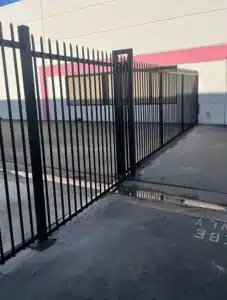
A swing gate should move freely on its hinges, and a slide gate should not bind in the track or rollers. If the operator is released according to the manual and the gate is mechanically safe, manual movement can reveal whether the operator is fighting resistance.
Do not release an unstable gate.
Look for Limit or Position Faults
Encoders, magnetic limits and mechanical switches tell the operator where the gate is. A failed or misread position can prevent movement because the controller thinks the gate is already at a limit or has lost reference.
Safety Inputs Can Inhibit Movement
Monitored photo eyes, edges and other protection devices may change how the operator is allowed to move when they are faulted. The exact behavior is model-specific.
Do not bypass safety inputs to restore automatic operation.
Record Gate-Opening Failure Evidence
Note operator brand/model, fault codes, whether the motor makes noise, whether the gate moves manually, recent outages or storms, and which access controls still work. That evidence shortens diagnosis.
A Practical Troubleshooting Sequence
A useful service sequence moves from the least invasive checks to the most specific diagnosis. First confirm that the gate is receiving a valid open command and that utility or backup power is available. Next inspect the physical gate for visible dragging, sagging, track obstruction or impact damage. Only after those conditions are ruled out should the technician move deeper into motor output, limits, encoders, board diagnostics and access-control interfaces.
This sequence matters because the same "won’t open" symptom can be produced by completely different failures. A keypad problem may need no operator repair at all. A broken wheel may make a healthy motor look weak. A false closed-limit input may make the controller intentionally refuse to energize the motor.
Common Mistakes That Make Diagnosis Harder
One common mistake is resetting or power-cycling the operator repeatedly before recording fault codes. Another is testing only one remote and concluding the entire gate is dead. A third is increasing force or current settings because the gate seems reluctant to move.
Those shortcuts can erase evidence or mask a mechanical problem. Keep the original symptoms intact long enough to identify the system that failed. If the gate worked immediately after rain, after a surge or after a specific service visit, that timing should be part of the diagnosis.
Example: The Gate That Looked Like a Bad Motor
Consider a sliding gate that does not open from the keypad. The operator clicks, but the motor never starts. A second remote also fails. The technician finds that a monitored safety input is in fault because a wire was damaged during landscaping. The controller is correctly inhibiting normal motion.
Replacing the motor would have added cost without fixing the cause. The correct repair is to restore the monitored circuit, verify the device, then test normal travel and safety response.
What a Complete Repair Should Prove
Before closing the service call, the gate should open and close through full travel, reach its intended limits, respond to the normal access controls, and operate without abnormal drag or fault codes. Any safety device that influenced the failure should be tested using the manufacturer’s procedure.
The purpose of troubleshooting is not merely to make one open cycle happen. It is to restore a system whose cause of failure is understood.
Bottom Line
A gate that will not open should be diagnosed across command, power, operator, position and mechanical systems. Start with safe observations, stop if the gate itself is damaged, and repair the cause instead of forcing the operator.